Status Bar Widgets
Useful Status Bar Widgets for quick access to plugin features.
This page provides an overview of the various Status Bar Widgets available in the plugin.
Status Bar Widgets
Section titled “Status Bar Widgets”The Material Theme UI plugin includes several Status Bar Widgets that provide useful information and quick access to common actions.
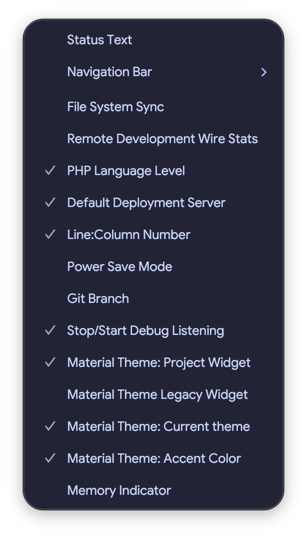
You can toggle these widgets by right-clicking the status bar and selecting the ones you wish to display.
Theme Widget
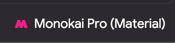
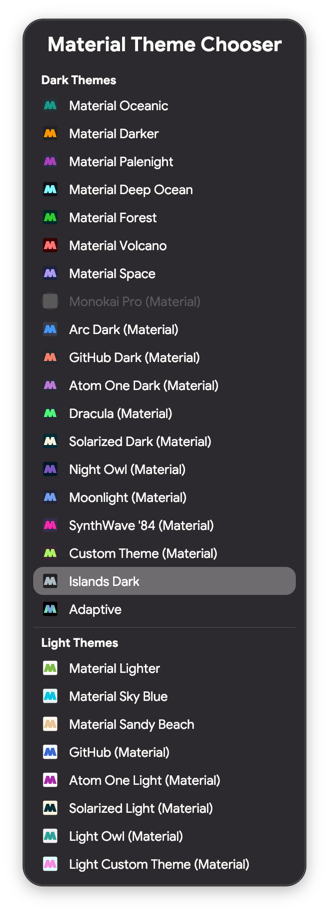
Section titled “Theme Widget”The Theme Widget displays the current theme along with its icon. It also provides a menu to quickly switch between all available themes.
Accent Color Widget
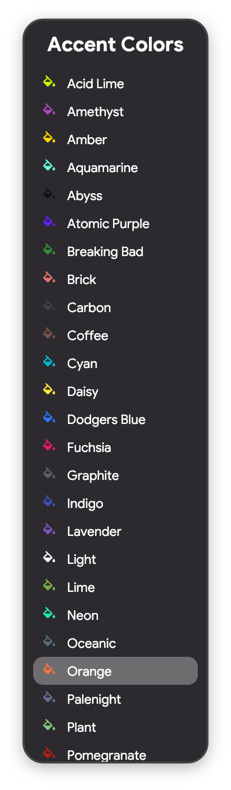
Section titled “Accent Color Widget”Adjacent to the Theme Widget is the Accent Color Widget. It displays the current accent color and allows you to switch between predefined accent colors (available only when the Override Accent Color from Theme setting is disabled).

Current Project Widget
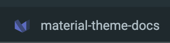
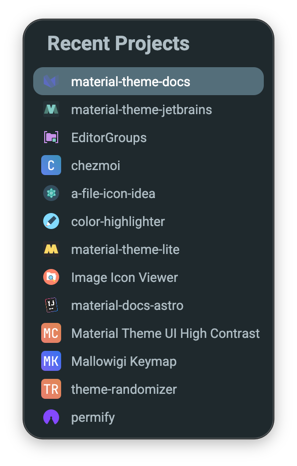
Section titled “Current Project Widget”The Project Widget displays the current project’s name and icon, providing a convenient way to quickly switch between recent projects.
Theme
Material
Material (more)
Other
Other (2)
Other (3)